Your brand. Your map.Instantly styled.
Paste your URL and get styled vector tiles in seconds, served from 300+ edge locations at a fraction of the usual cost.
Extract Your Brand Colors
We'll analyze your website and create a matching map style
Or try with examples:
Features
Everything you need for beautiful basemaps.
Serve vector tiles from the edge, customize styles with AI, and deploy globally, all from one API key.
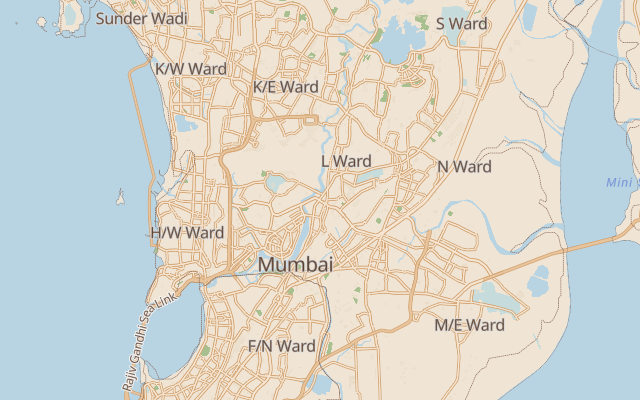
Natural language styling
AI-PoweredDescribe your perfect map style in plain English: "Make the water navy blue with a vintage paper texture." The AI rewrites the MapLibre style JSON for you.
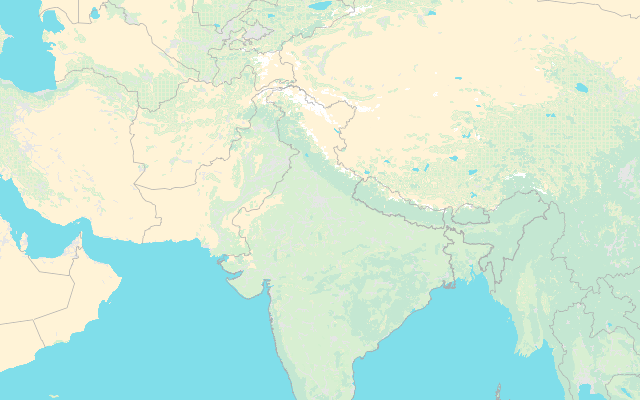
Global vector tiles
High-performance vector tiles served from edge locations worldwide. Sub-50ms latency, 99.9% uptime guaranteed.
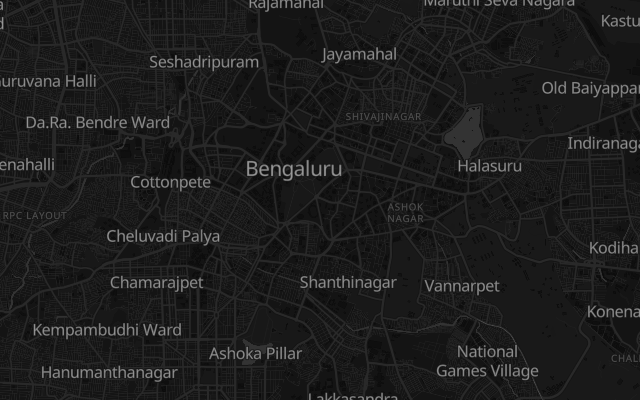
Visual style editor
Fine-tune every layer with our intuitive editor. Adjust colors, fonts, and visibility without touching code.
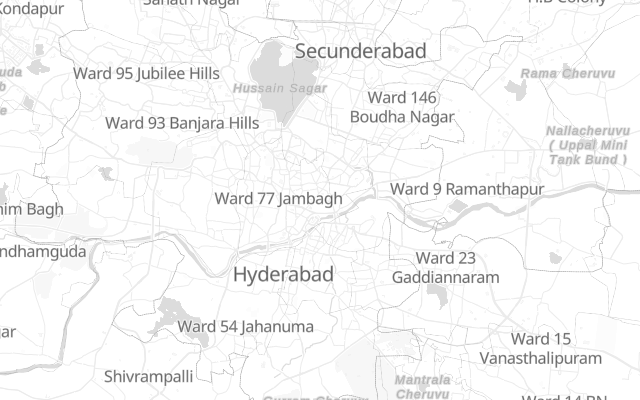
Beautiful presets
Start with Light, Dark, Vintage, Minimal, or High Contrast themes. Clone and customize to match your brand.
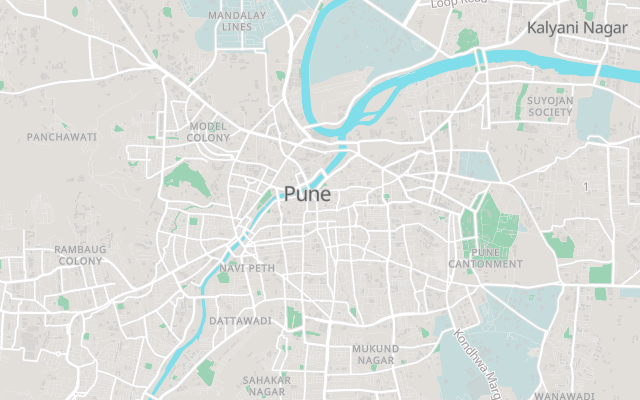
Drop-in integration
Works with MapLibre, Leaflet, OpenLayers, and any mapping library. Copy-paste embed code or use our SDK.
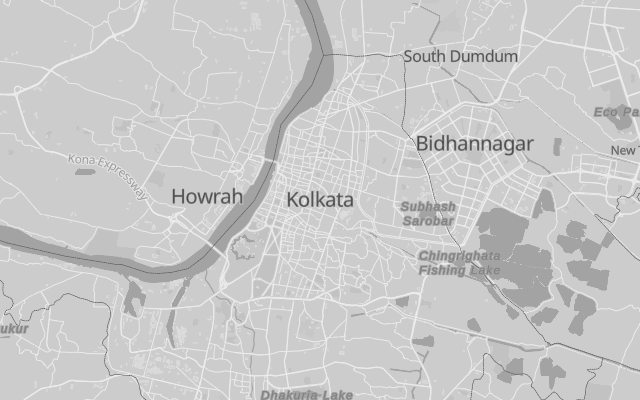
Version control
Every change is versioned. Compare versions, preview changes, and restore any previous state instantly.
Plus custom data layers, team collaboration, and full API access.
Embed anywhere in
minutes, not days
Drop-in integration for any platform. Copy the code and you're done.
Use the MapLibre GL JS library with Vue 3 composition API.
<script setup>
import { onMounted, ref } from 'vue'
import maplibregl from 'maplibre-gl'
import 'maplibre-gl/dist/maplibre-gl.css'

const mapContainer = ref(null)

onMounted(() => {
  new maplibregl.Map({
    container: mapContainer.value,
    style: 'https://maps.guru/api/v1/styles/your-style.json',
    center: [78.9629, 20.5937],
    zoom: 4
  })
})
</script>

<template>
  <div ref="mapContainer" class="w-full h-96" />
</template>your-style.json with your actual style URL from the dashboard. Use cases
Maps for every product.
From startups to enterprises, the same vector tiles power web apps, fleets, listings, and dashboards worldwide.
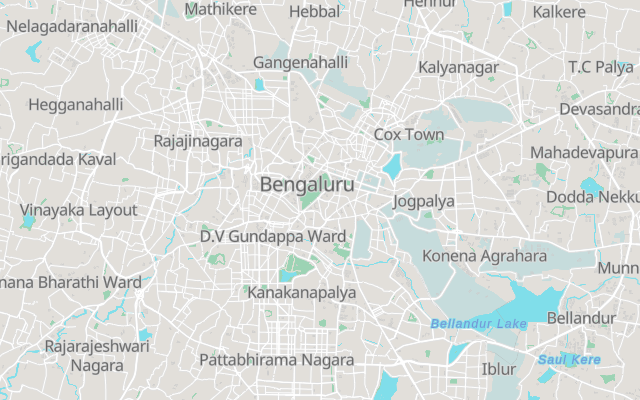
Web applications
Add beautiful maps to your SaaS, dashboard, or web app. Full control over styling and performance.
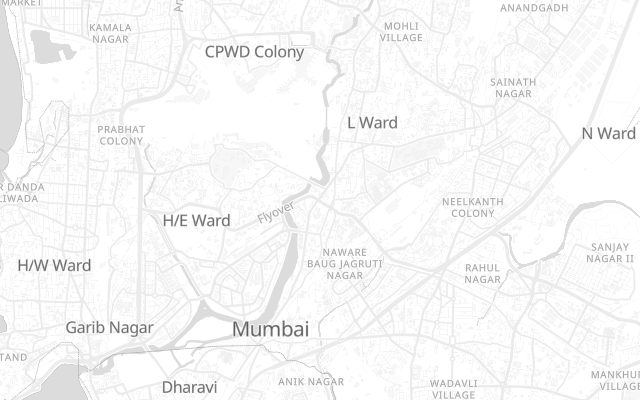
Mobile apps
Native-quality maps for iOS and Android. Offline support and smooth vector rendering.
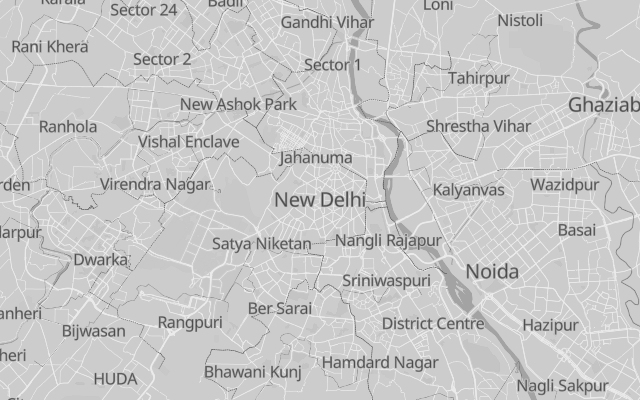
Data visualization
Overlay your data on beautiful basemaps. GeoJSON, heatmaps, clusters, and custom layers.
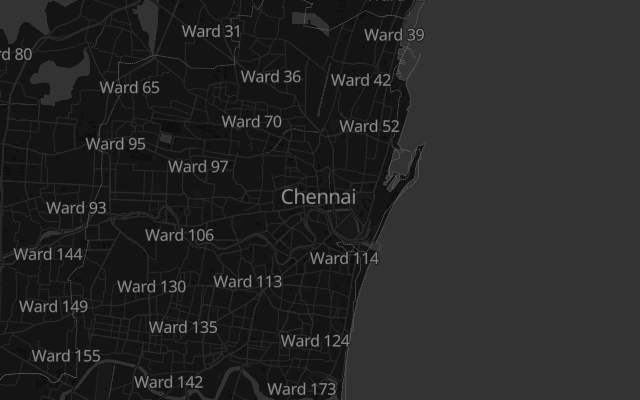
Logistics & fleet
Real-time tracking and route visualization on performant, customizable maps.
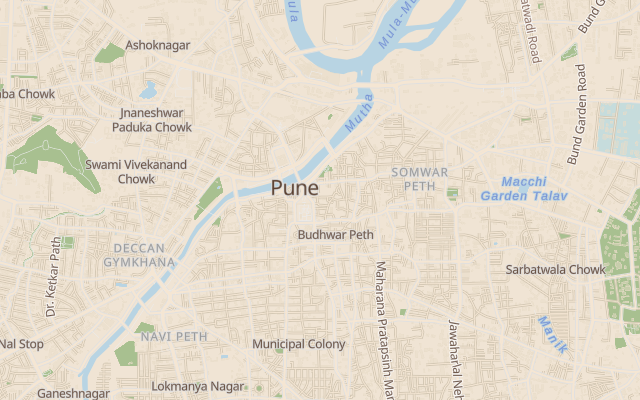
Real estate
Property listings with neighborhood context. Custom markers and boundary visualization.
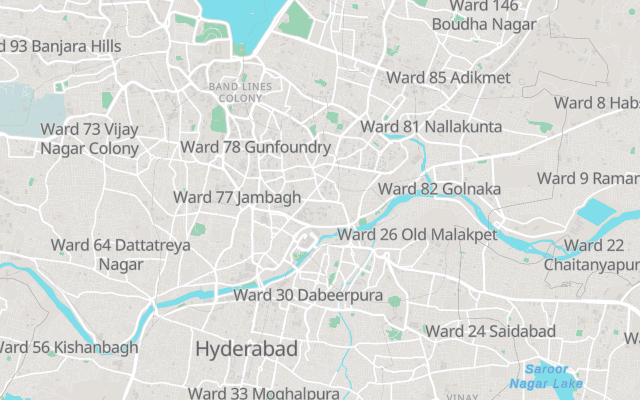
IoT & sensors
Display device locations, coverage areas, and sensor data on lightweight maps.
Trusted by developers at
Mapping terms, defined
The vocabulary behind maps.guru, in plain language.
What is Vector tile?
- A vector tile is a compressed binary chunk of map geometry (roads, buildings, labels) that the browser styles and renders at runtime, instead of downloading a pre-drawn image. Vector tiles let one dataset power unlimited visual styles and stay sharp at every zoom level.
What is Basemap?
- A basemap is the background map layer (roads, water, landuse, place labels) that your own data is drawn on top of. maps.guru serves basemaps as MapLibre-compatible vector tiles.
What is Map style?
- A map style is a JSON document that tells a renderer which colours, fonts, widths, and zoom rules to apply to each layer of a vector tile. maps.guru styles follow the MapLibre Style Specification, so they work in any MapLibre or Mapbox GL JS compatible renderer.
What is Geocoding?
- Geocoding is the process of converting a text address or place name into latitude and longitude coordinates. Reverse geocoding does the opposite: it converts coordinates into the nearest human-readable address.
What is PMTiles?
- PMTiles is a single-file archive format for map tiles that supports HTTP range requests, so a tile server can read one tile out of a multi-gigabyte archive without unpacking it. maps.guru stores its tile archives as PMTiles on Cloudflare R2.
Questions about maps.guru
What is maps.guru?
maps.guru is a MapLibre-native maps API platform that serves vector tiles, geocoding, and static map images from Cloudflare’s edge network. It is built India-first with global coverage, and includes an AI style editor that turns a plain-language brief such as "a dark navy basemap with saffron highways" into a valid MapLibre style.
How is maps.guru different from Google Maps Platform?
Three differences matter most. maps.guru bills on flat monthly tiers instead of per-request metering, so your bill does not scale with a traffic spike. It serves open MapLibre-compatible styles, so you are not locked into a proprietary renderer. And it is priced for the Indian market in INR alongside USD.
Do I need a credit card to start?
No. The free tier includes 50,000 tile requests, 10,000 geocoding requests, and 10,000 routing requests per month with no card required. You get an API key immediately on signup.
Can I migrate an existing Google Maps or Mapbox app?
Yes. If your app already uses MapLibre GL JS or Mapbox GL JS v1, migration is usually a style URL and API key swap. Our migration guide covers the mapping from Google Maps JavaScript API concepts to MapLibre equivalents.
Which frameworks does maps.guru work with?
Any framework that can run MapLibre GL JS: React, Next.js, Vue, Nuxt, Svelte, SvelteKit, Angular, Flutter, React Native, Leaflet, and plain JavaScript. We publish a copy-paste setup guide per framework.
Where is the map data sourced from?
Basemap geometry comes from OpenStreetMap, processed into PMTiles archives and served from Cloudflare R2. Because the underlying data is open, you can self-host the same tiles if you ever need to leave.
Sources
- MapLibre Style Specification — MapLibre
- Mapbox Vector Tile specification — Mapbox
- MapLibre GL JS documentation — MapLibre
- OpenStreetMap tile usage policy — OpenStreetMap Foundation
Ready to build with
beautiful basemaps?
Join developers worldwide who trust maps.guru for their mapping needs. Start free, no credit card required.